
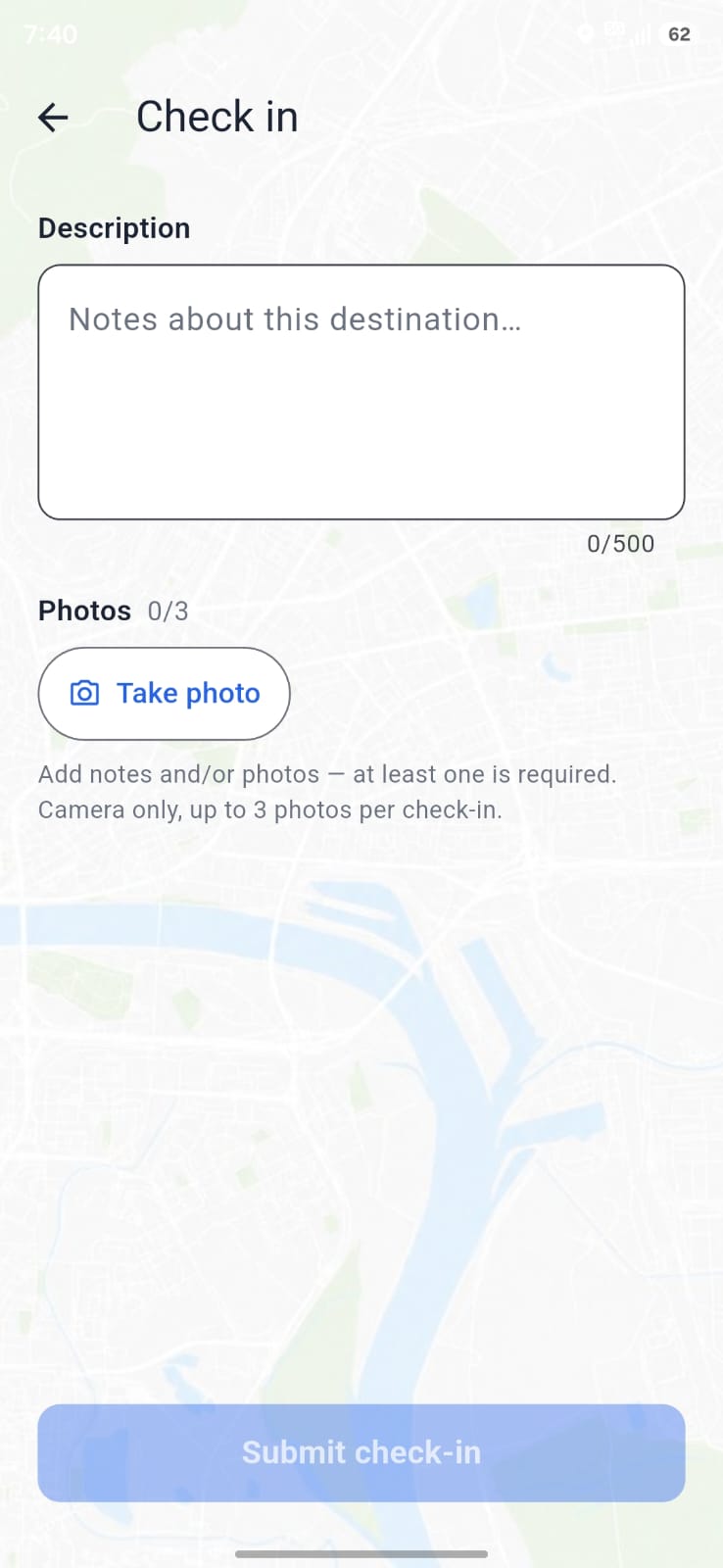
06Check-in composer
06-check-in.pngComposer
Note + camera photos + submit while on duty.
Phirti Duty on the Move
Home / Features
Product
Phirti is not a task manager. It is field duty: who is out, where they are, what they photographed, which meetings happened, what they spent, and the report you can hand to accounts.
01 · Access
People sign in with a 10-digit Indian mobile number. An OTP is sent; after verify they land in their company workspace. No email-password maze for field staff.
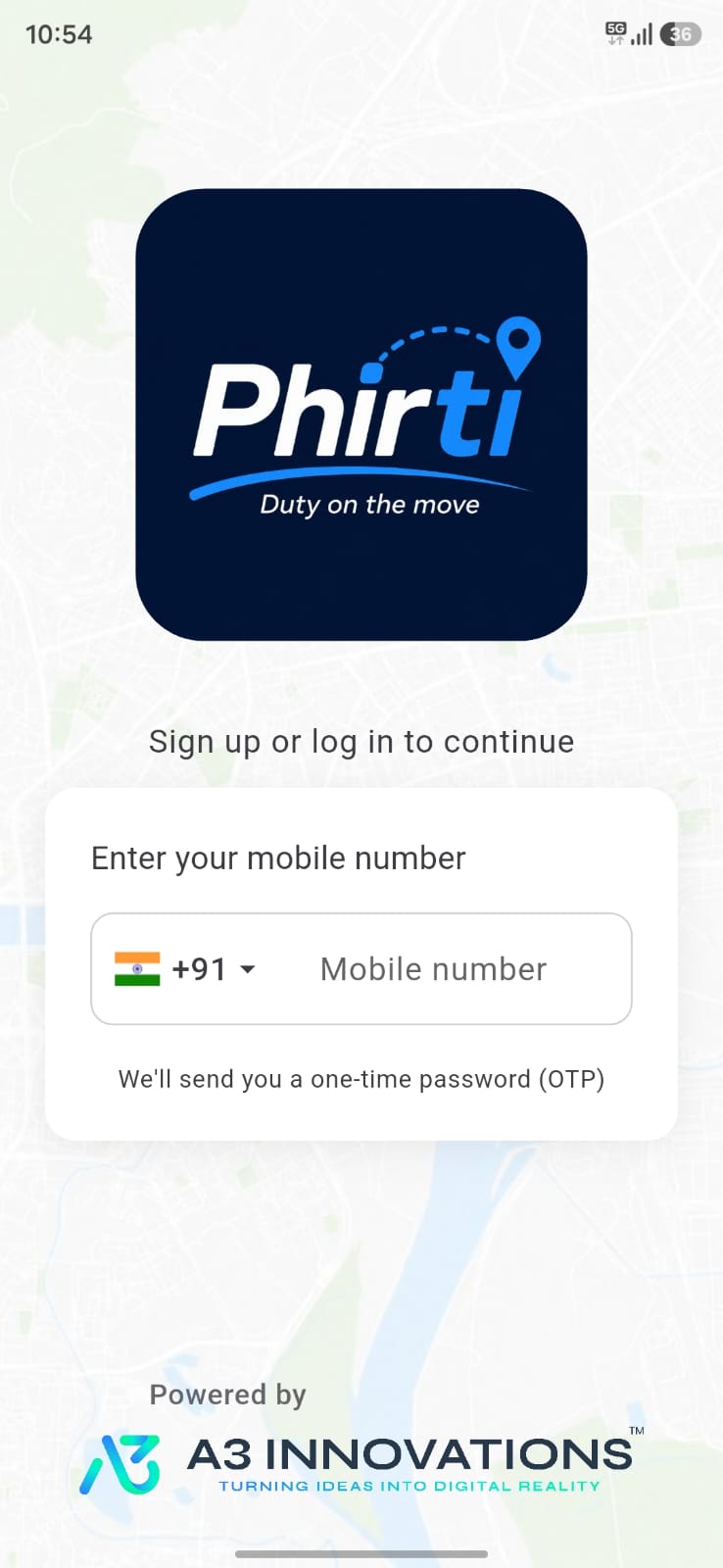
01-login-otp.png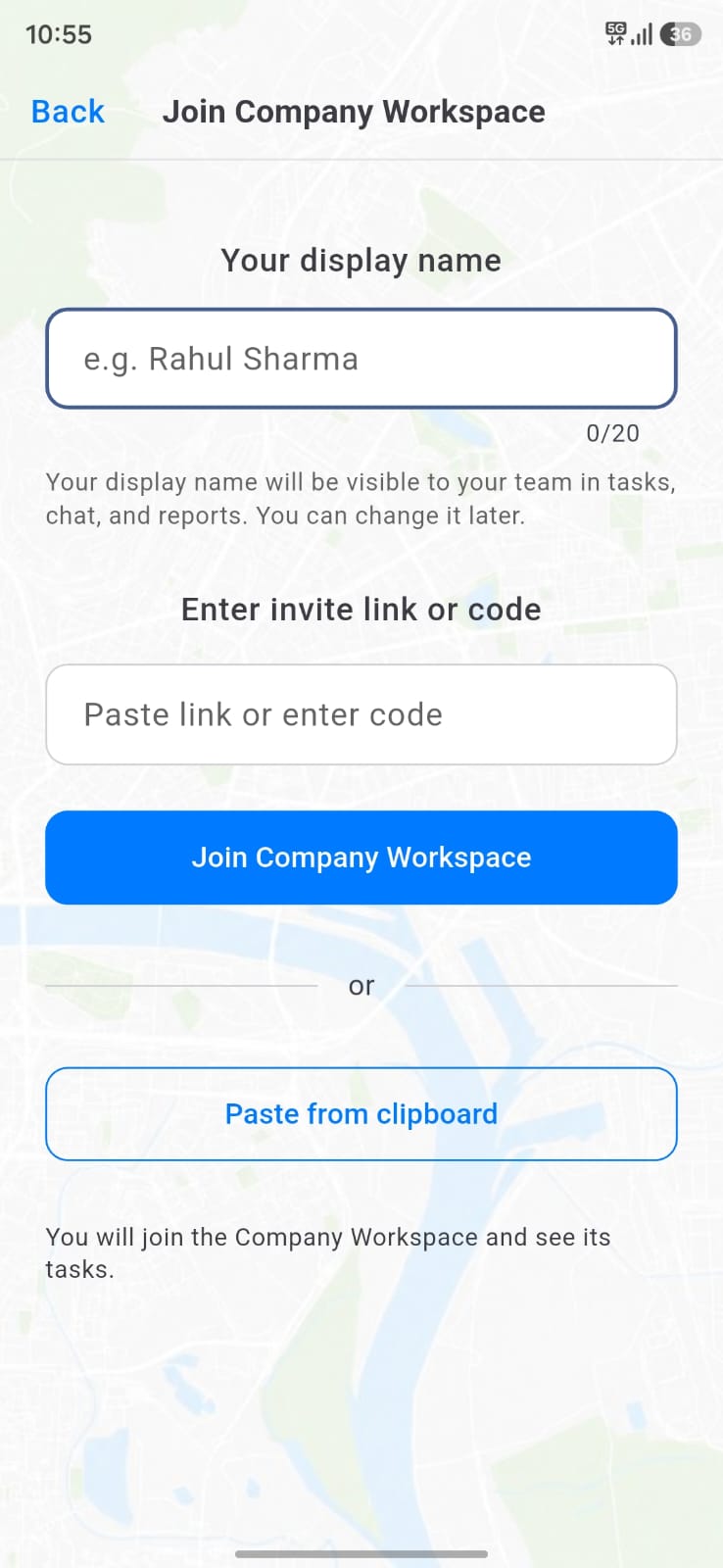
02-create-join-company.png02 · Company workspace
A workspace has a short name (shown in the app), official business name, optional description and logo. Owners invite people by SMS, contacts, or a join code / link. Joining as a member is free.
03 · Duty
Duty is started from the mobile app (the web dashboard watches; it does not start GPS). While on duty, Phirti records elapsed time, distance, and live location. End duty from the same card — or let the company auto-end time fire.
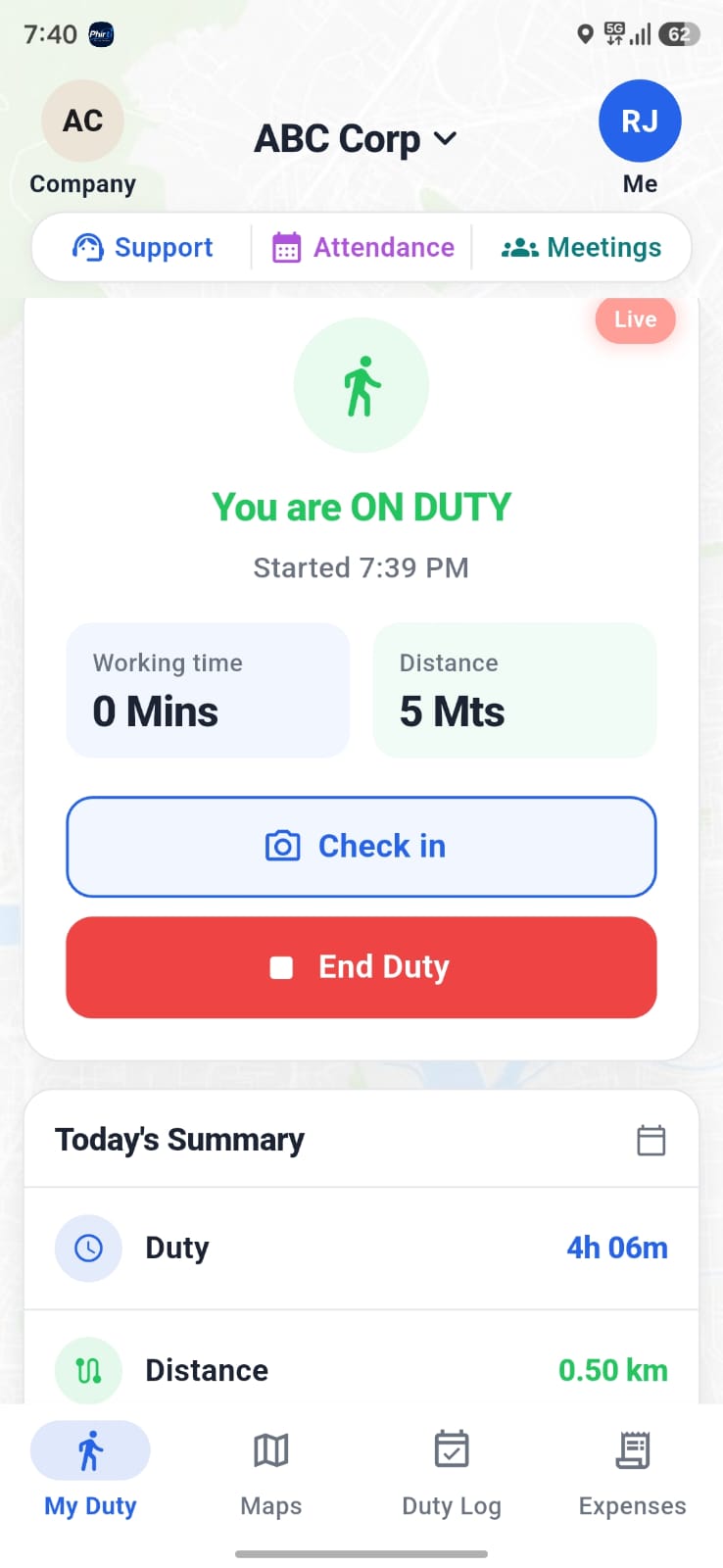
04-on-duty.png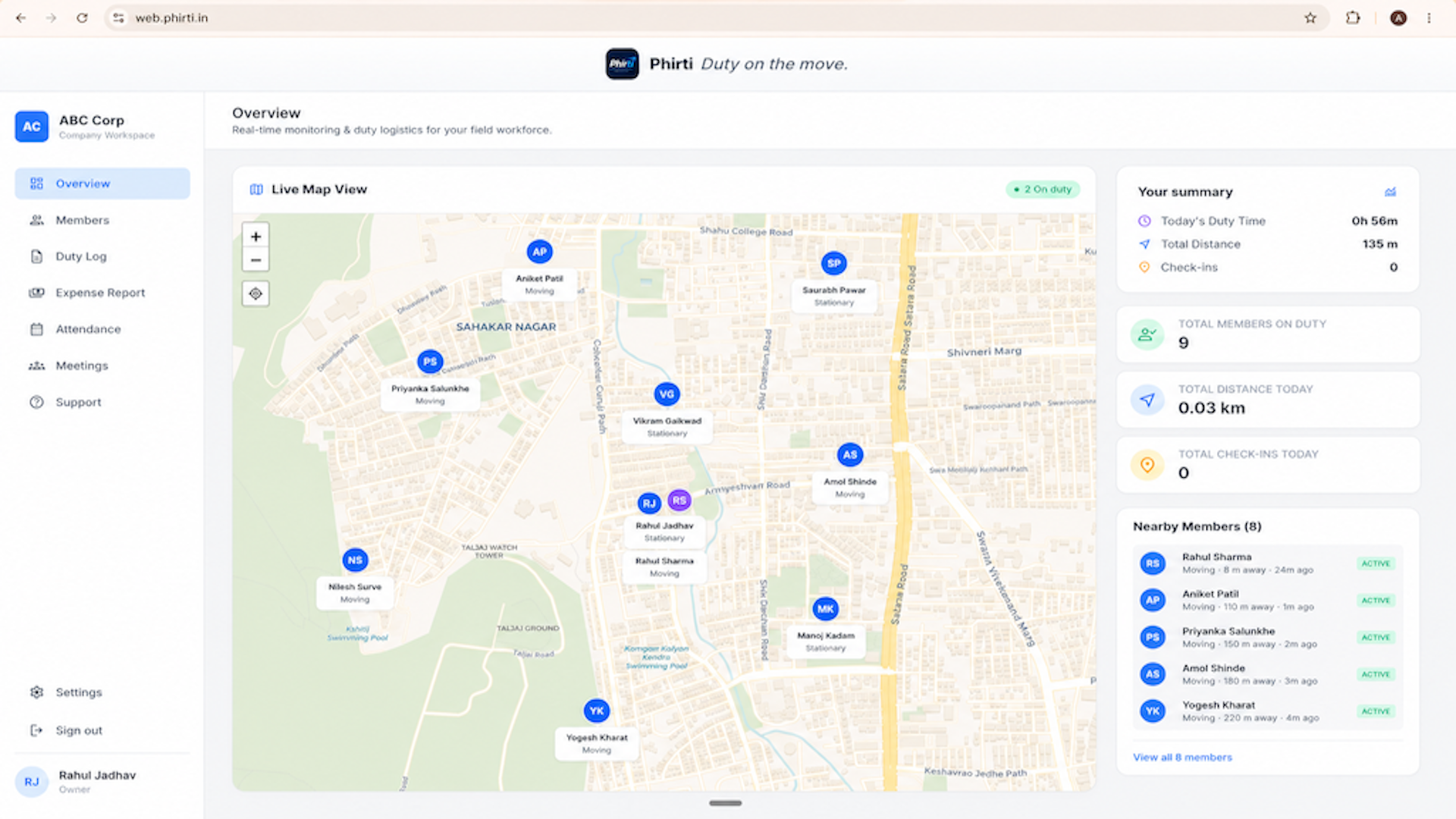
17-web-live-map.png04 · Live map
The overview dashboard and the Live tab show everyone currently on duty. Pins go stale and drop off if the phone stops reporting. Open a member to see today’s route thumbnail and session details.
05 · Check-ins
A check-in is proof of a visit. Staff add a description and/or up to 3 camera photos (gallery pick is blocked). Supervisors open the photo viewer from the duty log.
06-check-in.pngNote + camera photos + submit while on duty.
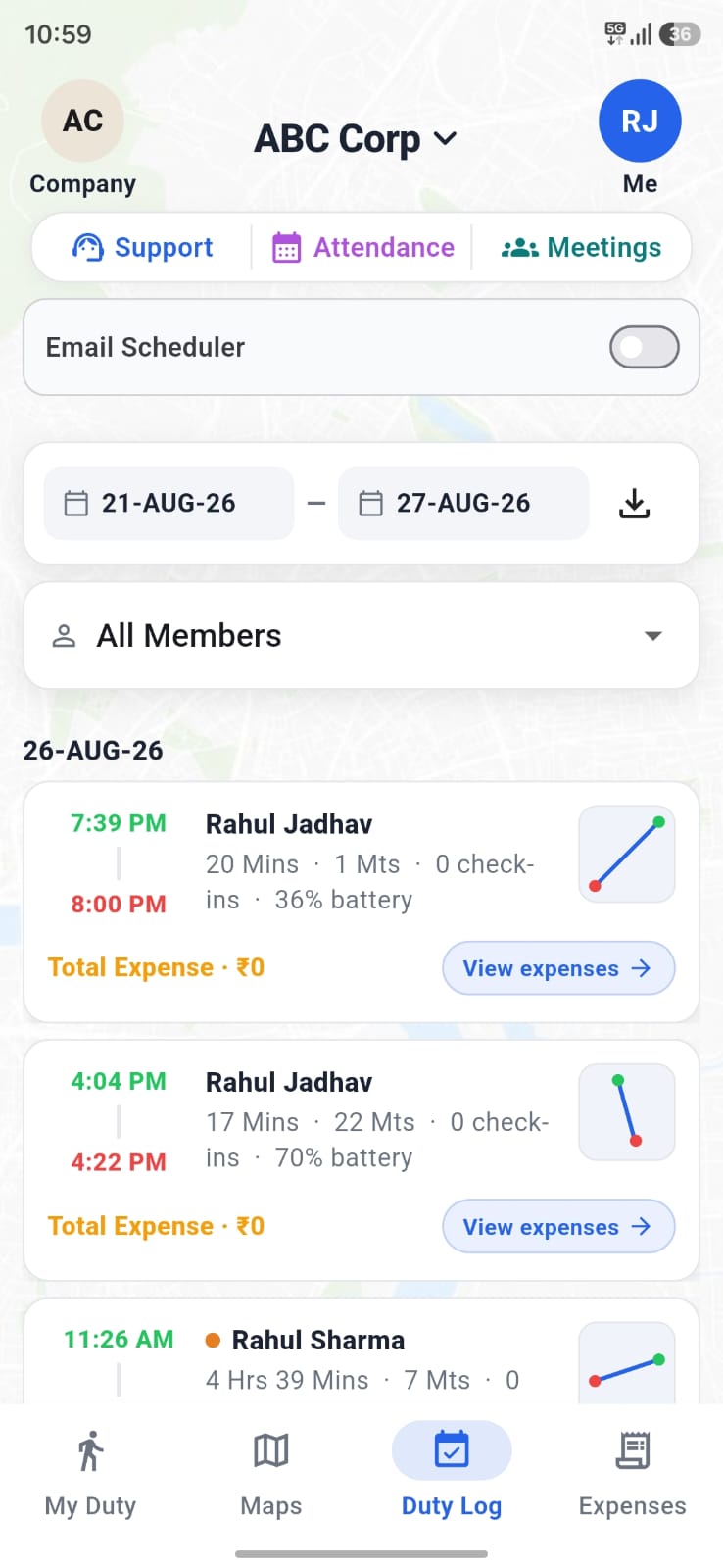
07-duty-log.pngEach session lists check-ins with time and location.
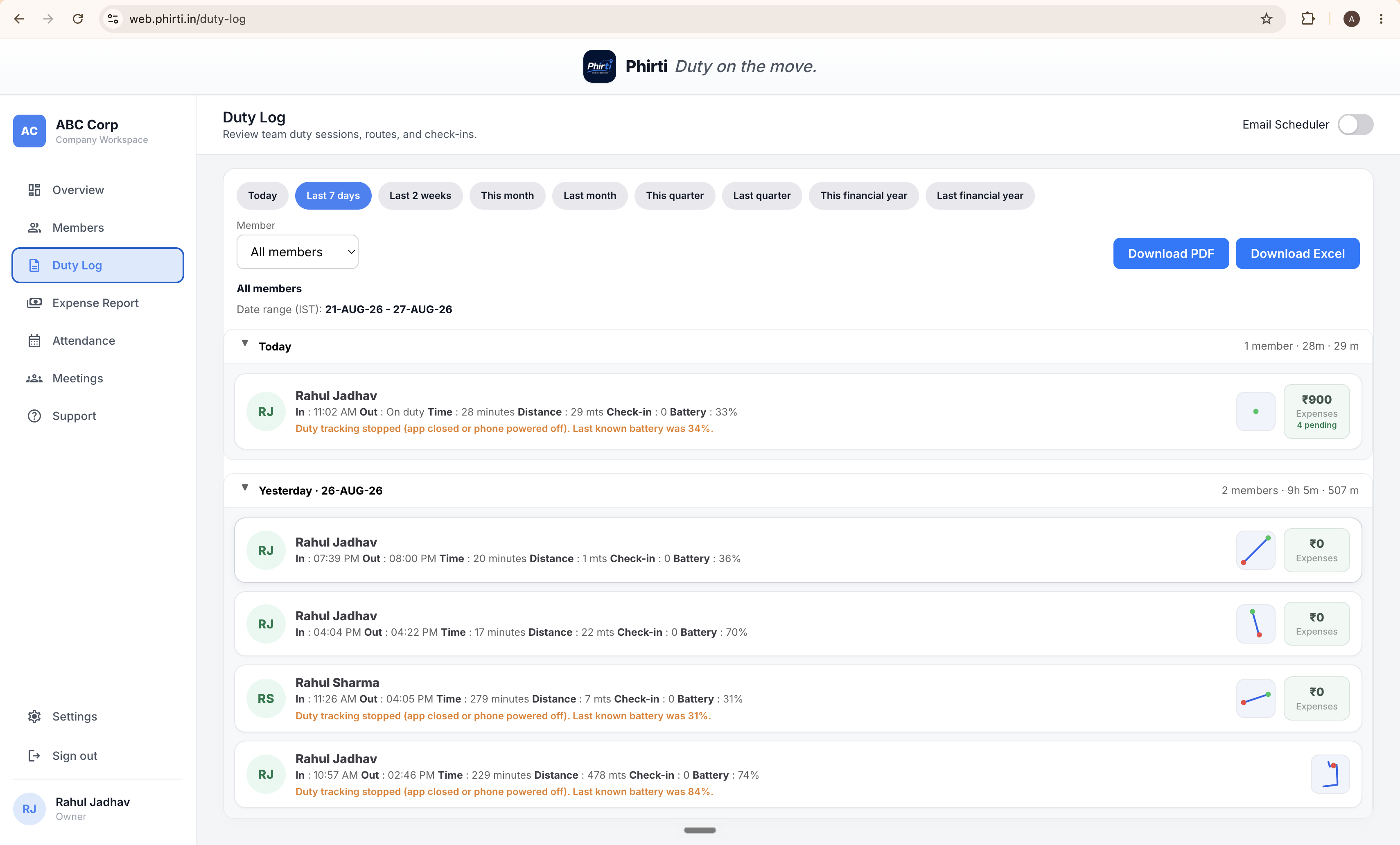
18-web-duty-log.pngFilter by member and date, then export.
06 · Duty log & attendance
Filter by member and date range. Each row: start / end (or auto-end), duration, distance, check-in count, route thumbnail. Download PDF or Excel. Owners can schedule an email of the duty log (daily / weekly / monthly) from notifications@a3innovations.in.
Month view with hours and km per day. Owners and supervisors can view All members (stacked) or one person. Members see only themselves. Same export and optional email schedule.
07 · Meetings
Schedule a meeting with title, date, time (30–120 min), assignees, contact name & phone, venue, optional virtual link, and notes. Day, week, and month views. To start, Phirti sends an OTP to the meeting contact; the assignee enters it. Afterward, add meeting notes.
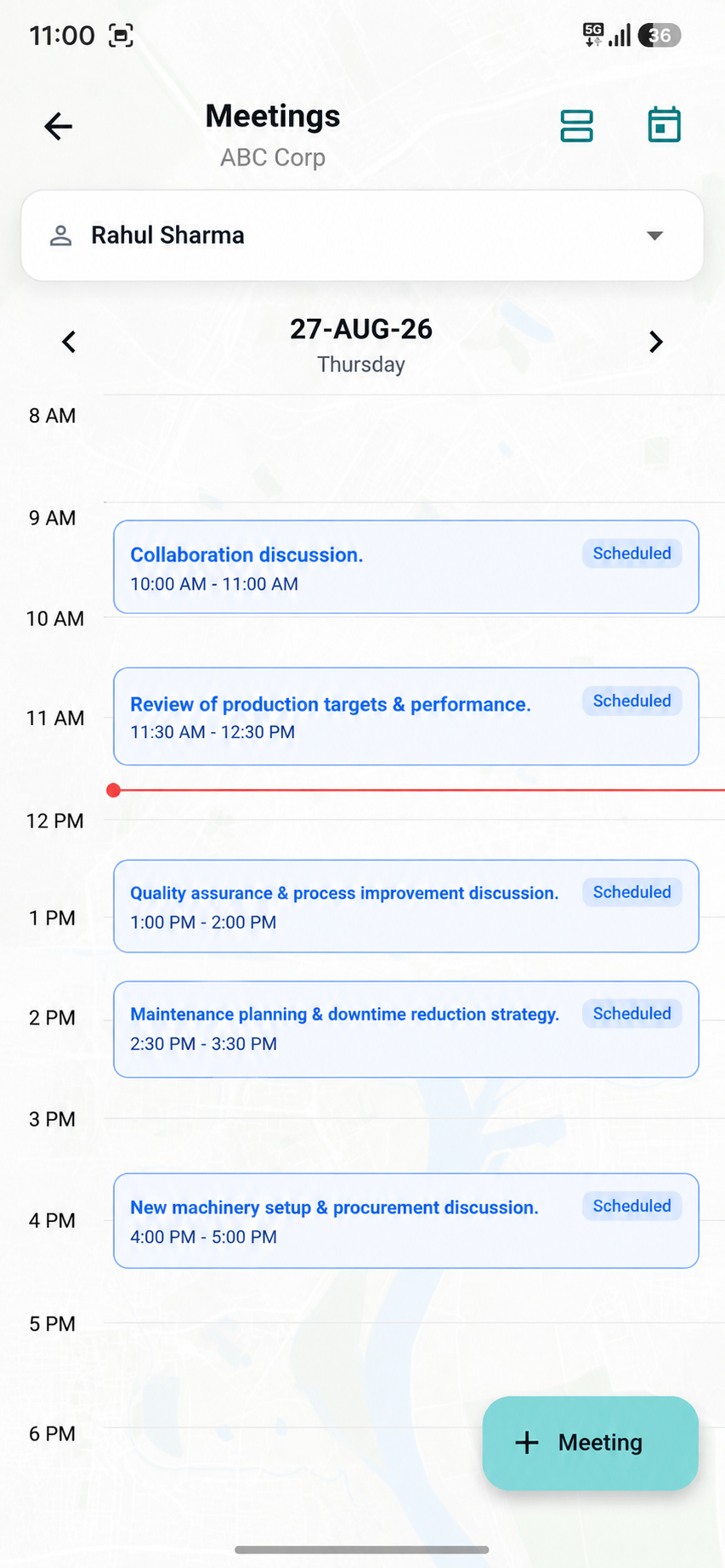
09-meetings-calendar.png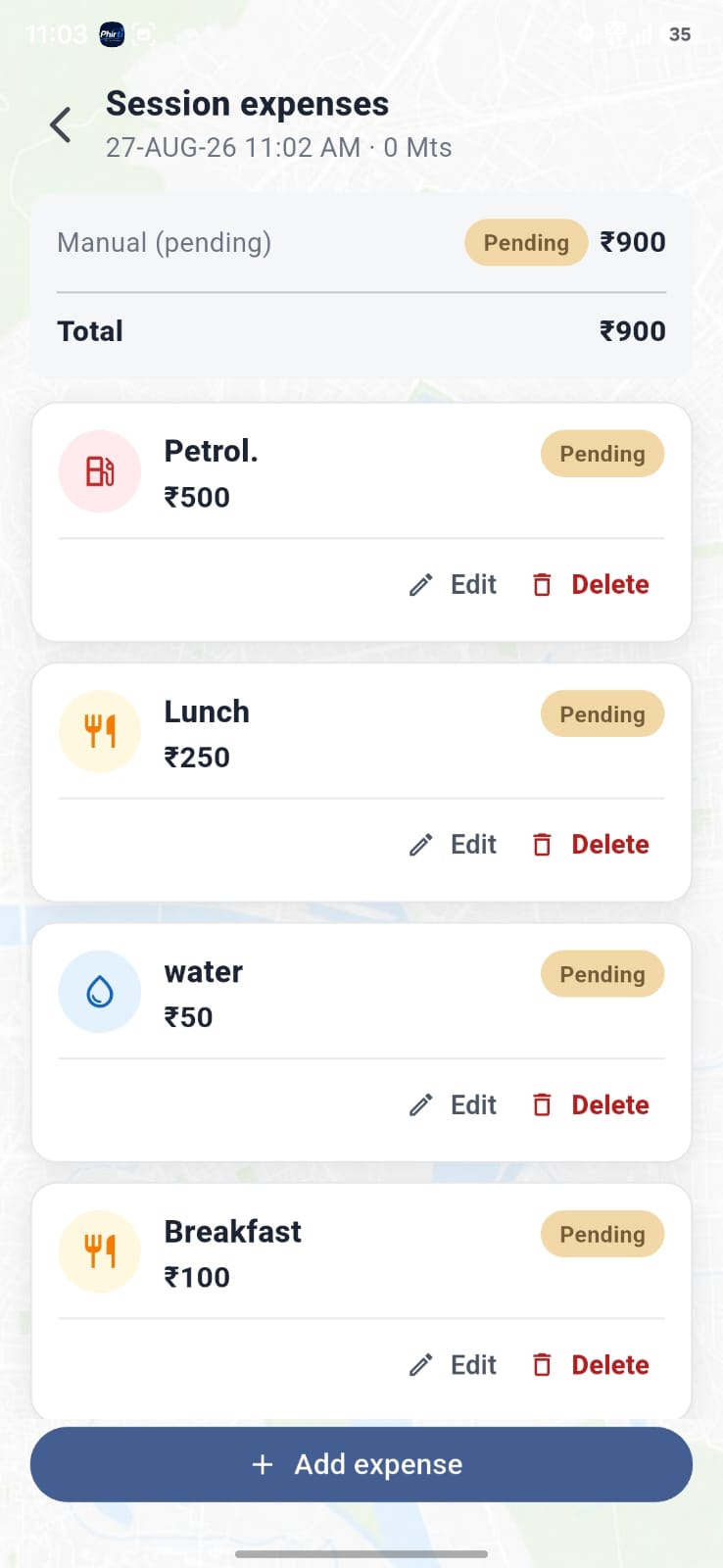
11-expenses.png08 · Expenses
Owners turn expenses on and set a home PIN code, radius (default 25 km; 0 = manual only), ₹ per km (default ₹10), and a post-duty edit window (default 24 hours). When a member leaves the home radius while on duty, travel amount latches from distance × rate. Manual expenses take category, amount, note, and up to 3 receipts.
09 · Workspace admin
Add from device contacts, share a join code / link, or SMS. Pending members wait until they accept. Owners assign Owner / Supervisor / Member.
Logo, names, duty auto-end time (Premium), expense PIN / radius / rate / window, and hold / plan status.
WhatsApp chat, report a problem (with optional screenshot), FAQs, and how-to videos (coming soon in-app).